How to Carry Backup Prescriptions and Digital Copies Securely
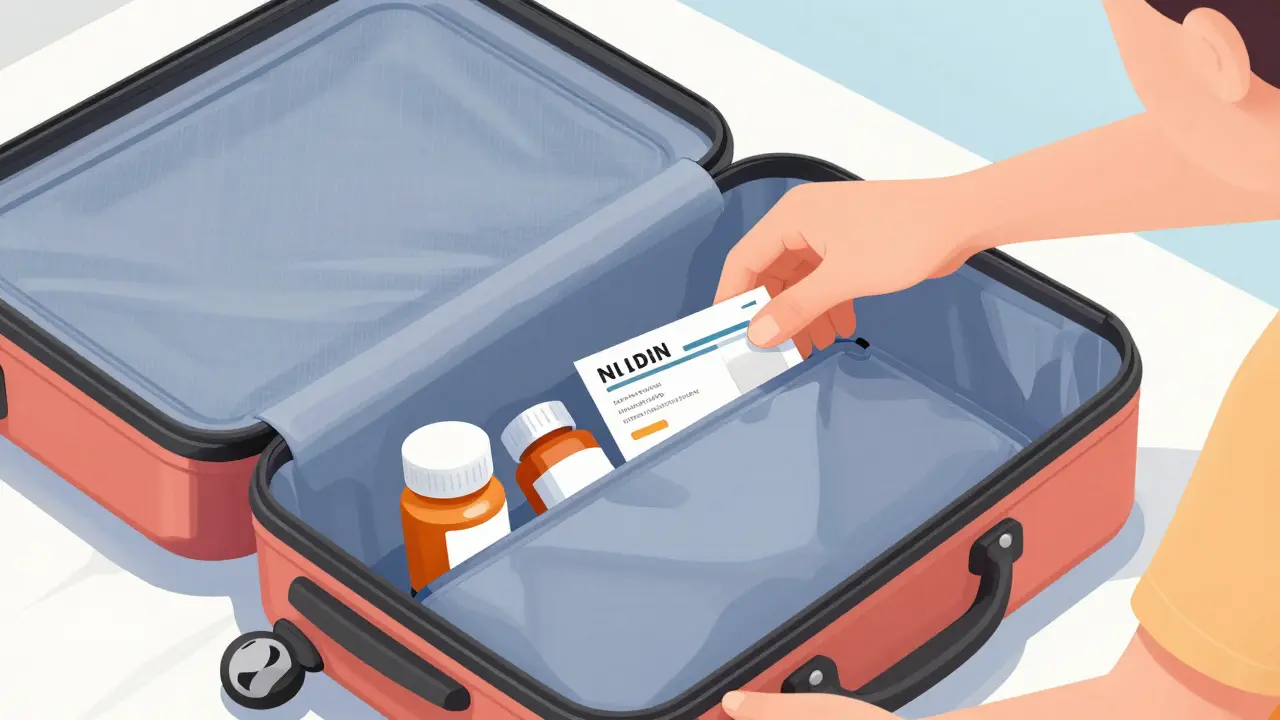
Imagine landing in a foreign city, reaching into your bag, and realizing your essential medication is gone-or worse, your only copy of the prescription is illegible or lost. For many, this isn't just a travel mishap; it's a medical emergency. Whether you're managing a chronic condition or just taking a few necessary meds on a trip, having a backup plan is non-negotiable. But here is the catch: carrying copies of prescriptions can actually open you up to identity theft or medication misuse if you aren't careful. How do you balance the need for a safety net with the need for backup prescriptions security?
| Method | Security Level | Best Use Case |
|---|---|---|
| Official Pharmacy Portals | High | Primary records & official verification |
| Encrypted Digital Vaults | Medium-High | Quick access to images during travel |
| Physical Paper Copies | Low | Emergency fallback (no tech access) |
The Risk of 'Old School' Paper Backups
It seems logical to just photocopy your prescription and tuck it into your passport holder. However, physical copies are essentially open invitations for trouble. Research from the Journal of Patient Safety shows that about 23% of patients who carry physical prescription copies face security incidents, ranging from simple loss to unauthorized use. If you're carrying controlled substances, a lost piece of paper can lead to serious legal headaches or theft.
If you must carry paper, don't keep it with your meds. Store the prescription in a separate, secure location-like a hotel safe or a hidden pocket in your luggage. This way, if your medication bag is stolen, the thief doesn't also have the documentation they need to try and forge a refill elsewhere.
Securing Your Digital Copies
Most of us instinctively snap a photo of our prescription and save it to our camera roll. Stop doing that. Your photo gallery is rarely encrypted and often syncs to a cloud that might be compromised. According to a 2022 analysis in the Journal of Medical Internet Research, only 3% of popular medication apps actually encrypt stored images.
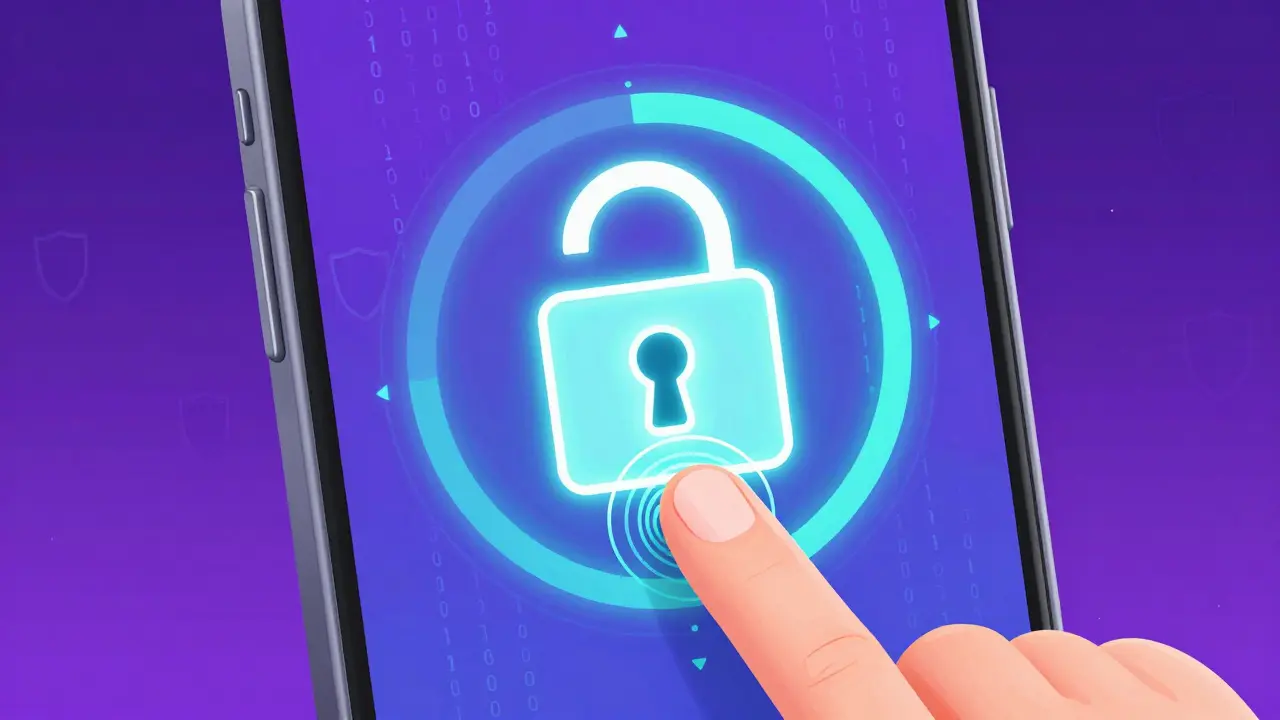
To move toward a more secure setup, stop using your gallery and start using a Encrypted Digital Vault is a secure storage area that uses advanced encryption standards to protect sensitive documents from unauthorized access . Use a password-protected app or a secure cloud folder with two-factor authentication (2FA) enabled. If you are using a mobile device, ensure you are using a biometric lock (fingerprint or face ID) to enter the app. This adds a layer of protection that a simple swipe-to-unlock screen cannot provide.
Leveraging Official Pharmacy Portals
The safest way to handle backups isn't by making your own copies, but by using the systems already built by healthcare providers. Many major chains, such as CVS Health and Walgreens, have implemented encrypted image storage within their official apps. These systems are far superior to a personal photo because they are designed to meet strict security standards and are linked directly to your pharmacy record.
Using a patient portal ensures that the information is current. One of the biggest dangers of DIY backups is the "outdated record" problem. The University of Michigan's Medication Safety Program found that 38% of patient-managed systems failed because the records weren't synchronized with the pharmacy, leading to dangerous medication discrepancies during care transitions. By using a portal, you're seeing what the pharmacist sees in real-time.
Handling Controlled Substances and High-Risk Meds
If your medication includes opioids or other controlled substances, the stakes are much higher. These aren't just health risks; they are legal liabilities. The Institute for Safe Medication Practices (ISMP) emphasizes that the status of the patient-whether they are opioid-naïve or tolerant-must be strictly verified. If you lose a physical prescription for these drugs, it can be incredibly difficult to get a replacement quickly while traveling.
For these high-risk medications, avoid carrying any physical copies. Instead, ask your doctor for a digital summary of your treatment plan and have them send a duplicate prescription to a pharmacy near your destination if possible. This eliminates the need to carry a "ticket" that someone else could try to use.
A Checklist for Your Next Trip
Before you head to the airport, run through this checklist to ensure your medication security is airtight:
- Verify Portal Access: Log into your pharmacy app and ensure you can see your current medication list and dosage.
- Set Up 2FA: Ensure the email or phone linked to your health records uses two-factor authentication.
- Separate Storage: If you have a paper backup, store it in a different bag or location than the medication itself.
- Doctor's Contact: Save your physician's direct office number and email in your phone, not just on the prescription paper.
- Check Expiration: Ensure your backup prescriptions haven't expired before you leave.
What to Do When Things Go Wrong
Even with the best planning, things happen. If you lose your medications and your backups, don't panic. Your first step should be contacting your home pharmacy to see if they can electronically transfer a prescription to a local pharmacy in your current city. This is the most secure path because it happens server-to-server, leaving no room for intercepted paper copies.
If you are in a remote area without a compatible electronic system, this is where your secure digital copy becomes a lifesaver. Presenting a secure, timestamped digital image of your prescription to a local doctor can help them verify your needs and write a local emergency script, rather than starting from scratch with a generic consultation.
Is it legal to carry a photocopy of a prescription?
Yes, it is legal to carry a copy for your own records. However, a photocopy cannot be used to fill a prescription; it is only for informational purposes to help a new doctor or pharmacist verify what you are taking.
Which app is safest for storing prescription photos?
The safest option is always your official pharmacy's app (like CVS or Walgreens) because they use institutional-grade encryption. If those aren't available, use a dedicated encrypted vault app rather than a standard photo gallery.
Should I carry my prescriptions in my carry-on or checked luggage?
Always carry your medications and their documentation in your carry-on. Checked luggage can be lost, stolen, or exposed to extreme temperature swings that can degrade the chemical stability of your medicine.
Can a digital copy be used to get a refill in another country?
Generally, no. Most pharmacists require an original prescription or an electronic transfer. However, a digital copy provides the necessary evidence for a local doctor to write you a new, valid prescription for that region.
How do I protect my prescription data from hackers?
Avoid saving prescription images in unencrypted cloud folders. Use a password-protected vault, enable two-factor authentication (2FA) on all health-related accounts, and never send prescription photos via unencrypted email or SMS.
about author